
How to Make a QR Menu: a 10-Minute Setup for Restaurants
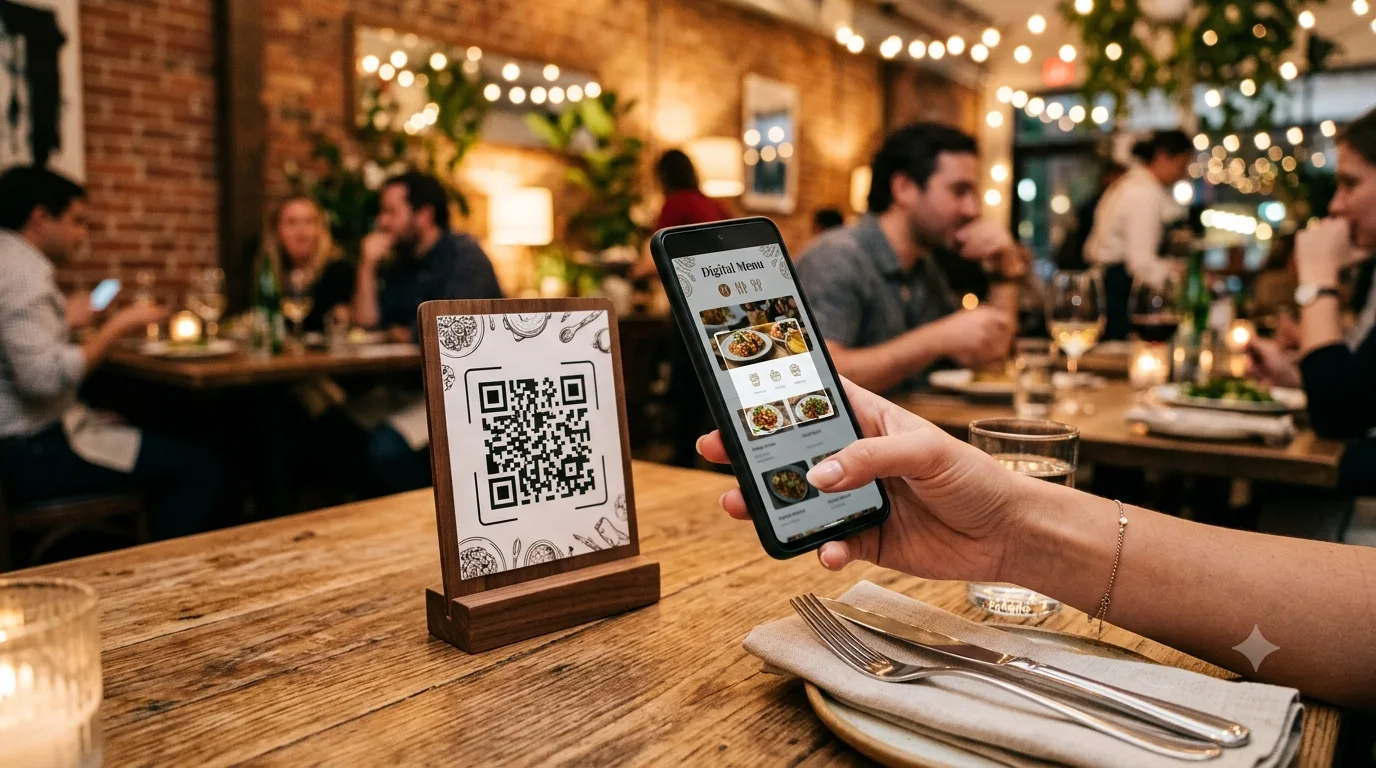
A QR menu means the guest scans the code on the table and sees your menu on their phone. Printing costs vanish, a price change takes seconds, and guests can even order from the table. Setup takes ten minutes.
1. Create the menu
In the panel go to QR Menu → New. Enter the business name, choose a currency and pick an address (slug): linkspot.bio/m/your-cafe.
2. Enter categories and items
- Categories: Breakfast, Mains, Desserts, Drinks… each can carry an icon or image.
- Item: name, description, price, image. Optionally options (small/medium/large, portion), labels (vegan, spicy, new), allergens and prep time.
- Hide an out-of-stock item with one switch; no need to delete it.
3. Choose a design
Ten ready themes and four navigation styles: scrolling list, category tiles, accordion, carousel. Every theme ships with eight colour palettes; add your logo and cover image. The preview updates live on phone, tablet and desktop.
4. Business details and opening hours
Address, phone, Wi-Fi password, social accounts and day-by-day opening hours live in the side panel. Today's row is highlighted automatically.
5. If you want to take orders
Turn on order mode: to the table, pickup or delivery. The guest builds a basket, enters the table number, the order lands in your panel and you update its status (preparing, delivered). Payment at the till or on delivery.
6. Multiple languages and currencies
In a tourist area, publish the menu in English, German, Arabic… it opens in whatever language the guest's phone uses. Add a second currency and prices show with the exchange rate.
7. Print the QR code
The menu's QR code is generated automatically; pick a design, download PNG or SVG and print table cards. The code is dynamic: change the menu address and the code stays the same. You can also connect your own domain (menu.yourrestaurant.com).
What changes after printing?
Nothing stays printed. Prices, items, images, theme — all from the panel, instantly. Analytics show how many people opened the menu, the most-viewed items and order counts.