
Introducing the New Editor Features
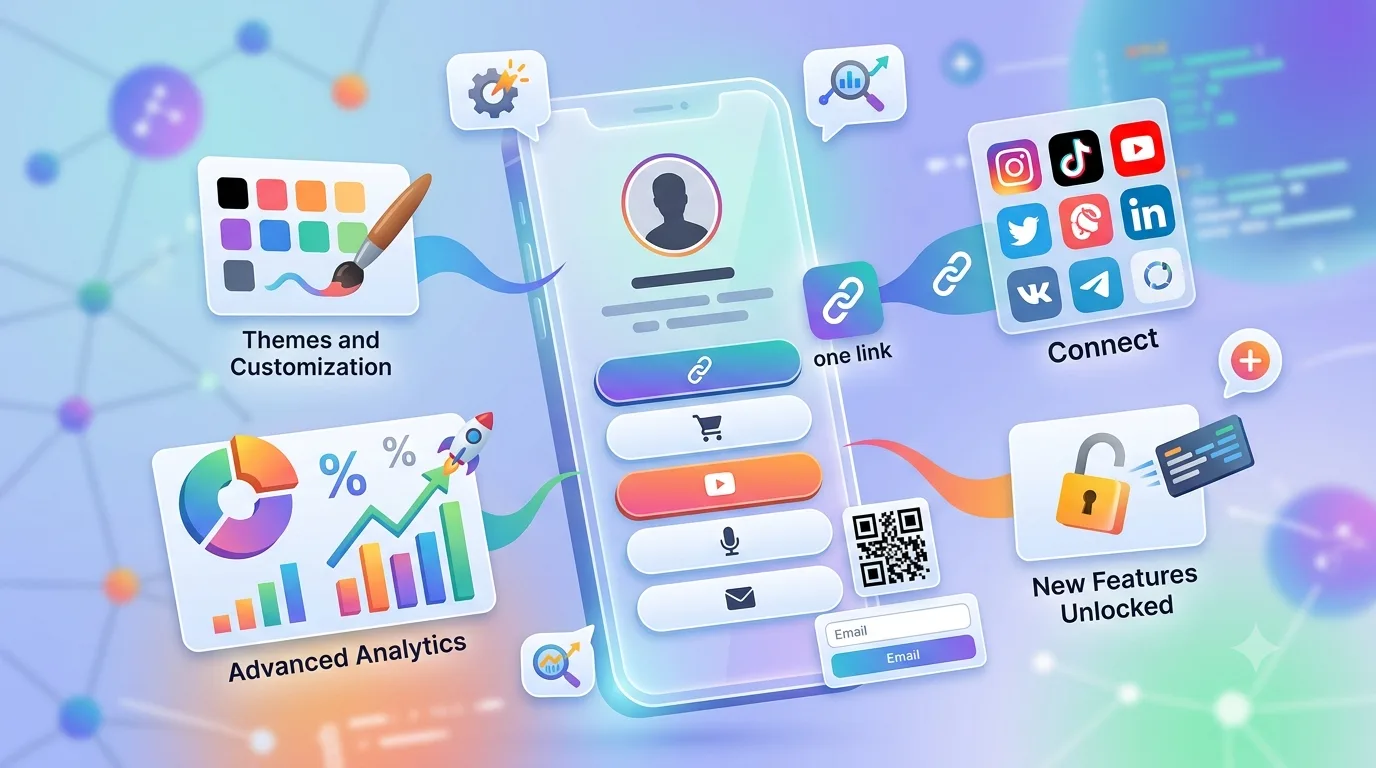
We've rebuilt the bio link editor from the ground up. The goal hasn't changed: set up your page in five minutes, see it in the live preview, publish. What's changed is how smooth that journey is.
Drag-and-drop
Grab blocks and move them into any order you like; it works on mobile too. Bringing a featured campaign to the top is now a single gesture instead of three taps.
Undo / redo
Every change is written to history. Deleted the wrong block? Ctrl+Z brings it back; the arrows in the top bar do the same job.
Live preview, three devices
The preview on the right updates as you type. Switch between phone, tablet and desktop views; on mobile, the preview button sits in the center and opens with a single tap.
Themes and palettes
Themes, palettes and fine color tuning live together in the right rail. Choose a palette and every button and accent changes together; adjust a single color by hand whenever you want.
Block library
Link, heading, image, video, product, product list, WhatsApp, email form, social icons, map, FAQ, countdown and more. Browse by category tab, add with a description.
SEO and sharing
Page title, description and share image are set right in the editor. Search result and social card previews appear instantly.
Same logic, three products
The QR menu and QR code editors share the same shell: settings on the left, live preview in the center, themes on the right. Learn one and you know all three.
Try it out
Want to try it without signing up? Log in to the demo account; the editor is open, changes just aren't saved.