
One Dashboard for Small Businesses: Biolink + QR Code + QR Menu
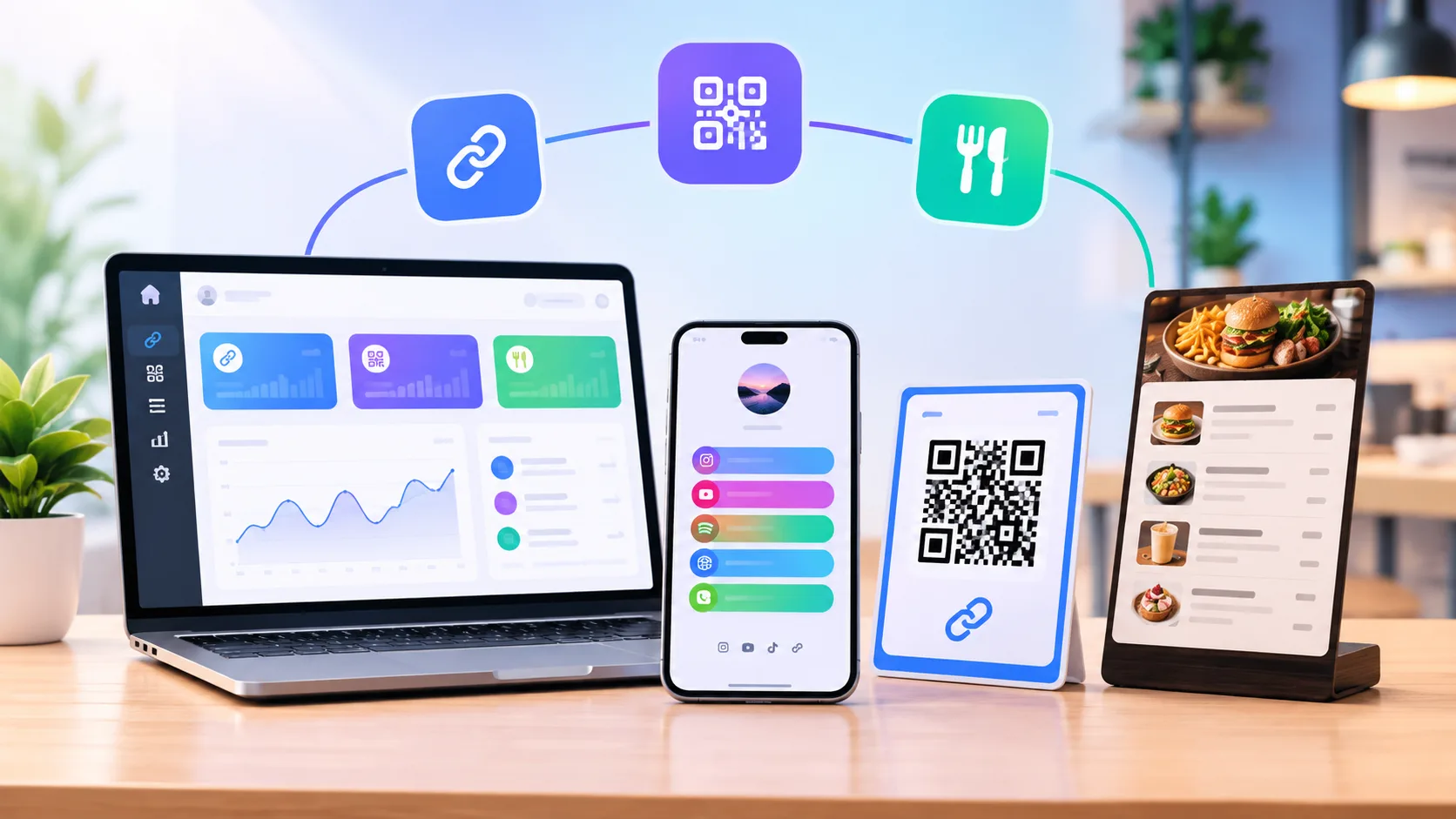
Kahve Durağı is a ten-table neighborhood cafe. Its owner was juggling three separate tools: one service for the bio link, a PDF for the menu and a free website for QR codes. All three lived in different places, and none of them had any statistics. In one afternoon, she moved everything to LinkSpot. Here are the steps and the results.
1. Biolink: the single door on Instagram
She placed four blocks on the profile page: "See the menu" (leads to the QR menu), "Get directions", "Order on WhatsApp" and the weekly event announcement. For the theme, she chose a palette matching the cafe's brown tones and checked the phone view in the live preview.
2. QR menu: the menu on the table
Six categories, forty-two items, coffees with three options (small/medium/large). Design: the "Categories" shell, because she wanted guests to tap a category first and then see the items. In the Business tab she entered the Instagram, WhatsApp and Google review links. She enabled ordering from the menu for takeaway only.
3. QR code: window and receipts
From the same dashboard she generated two dynamic QR codes: a large one with a logo and brown corners for the shop window, and a small black-and-white one for the bottom of receipts. Both lead to the menu. Because they're dynamic, she won't need to reprint even if the address changes later.
4. Domain
She published the menu under menu.kahveduragi.com; she added the CNAME record and it was verified 20 minutes later. The biolink stayed at linkspot.bio/u/kahveduragi.
At the end of the first month
- The menu was opened 1,900 times, with 1,140 unique visitors.
- The most-viewed item was the "Turkish breakfast spread"; after swapping its photo, the tap rate rose by 30%.
- 60% of social clicks went to WhatsApp; most takeaway orders now come through the menu.
- The hourly strip peaks at 08-10 and 15-17; staff shifts were rearranged accordingly.
Why one dashboard?
With all three products on one account, the statistics sit on one screen too. Which item a visitor from Instagram looked at on the menu, and whether they went on to WhatsApp from there, is visible at a glance. You can try the same experience with the demo account, without signing up.